Copy URL Shortcut
⌘⇧C copies this tab's URL. Nothing else runs.

The original store banner, with the circular link mark used at launch.
The shortcut Chrome never shipped
I used Arc for years. Copying the current tab with ⌘⇧C became muscle memory, one of those tiny things you stop noticing until it is gone.
When I moved to Chromium after Arc was sunset, my hands kept hitting the shortcut. Nothing happened. The extensions I found were either always running in every page, or they rewrote the URL, or they came with a settings panel I did not want.
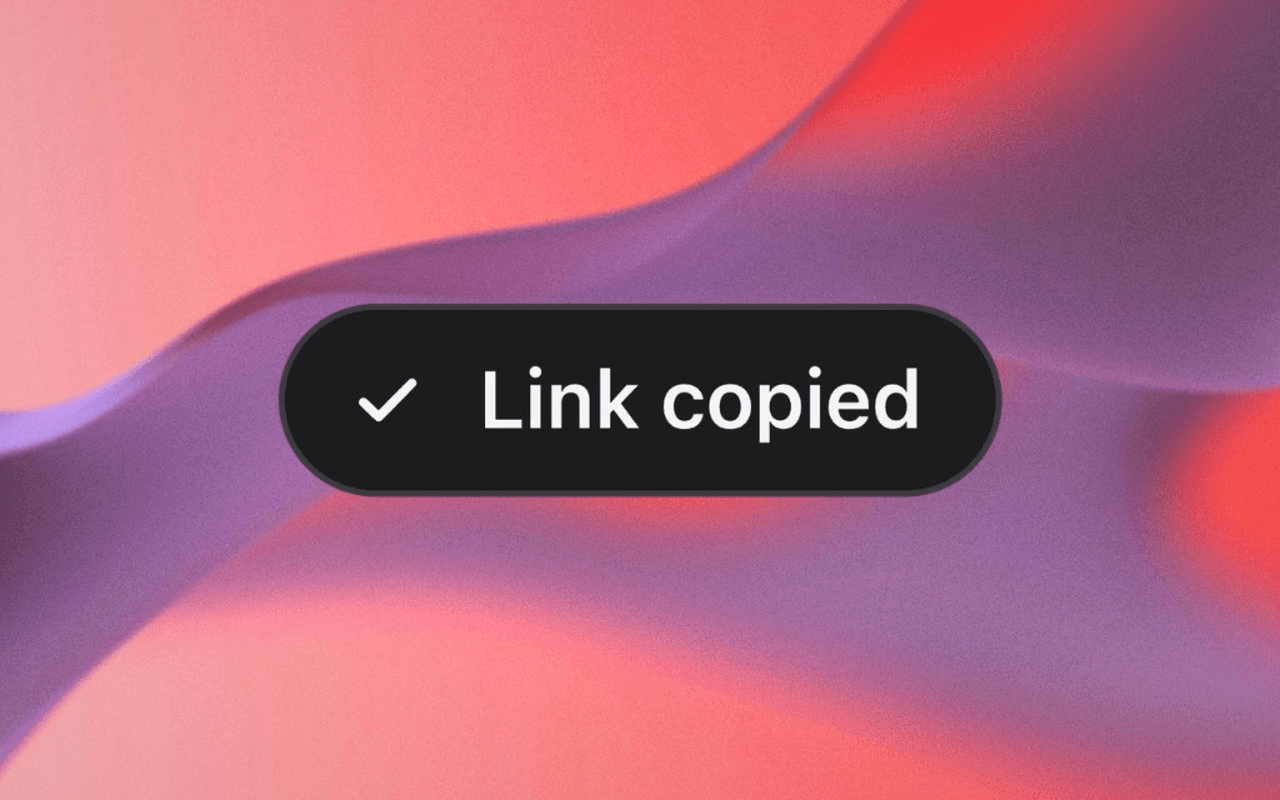
This is that one interaction. Press ⌘⇧C. The current URL is copied exactly. A small "Link copied" confirmation appears, then it disappears.
The permission you do not request
Most URL-copy extensions request <all_urls> so they can sit in the page with
a key listener. That makes the toast easy and the privacy form long.
This one has no host_permissions key. The service worker wakes on the
Commands API or a copy button in the toolbar menu, injects page-copy.js
once with activeTab, and becomes idle again. Selecting a confirmation style
can also preview it on the current page without changing the clipboard.
There is no script running in every page.
The normal URL command copies location.href as the page has it, including
query parameters and fragments. No stripping or https upgrade. The separate,
optional Markdown command wraps the page title and complete URL as a link;
it leaves the original shortcut unchanged.
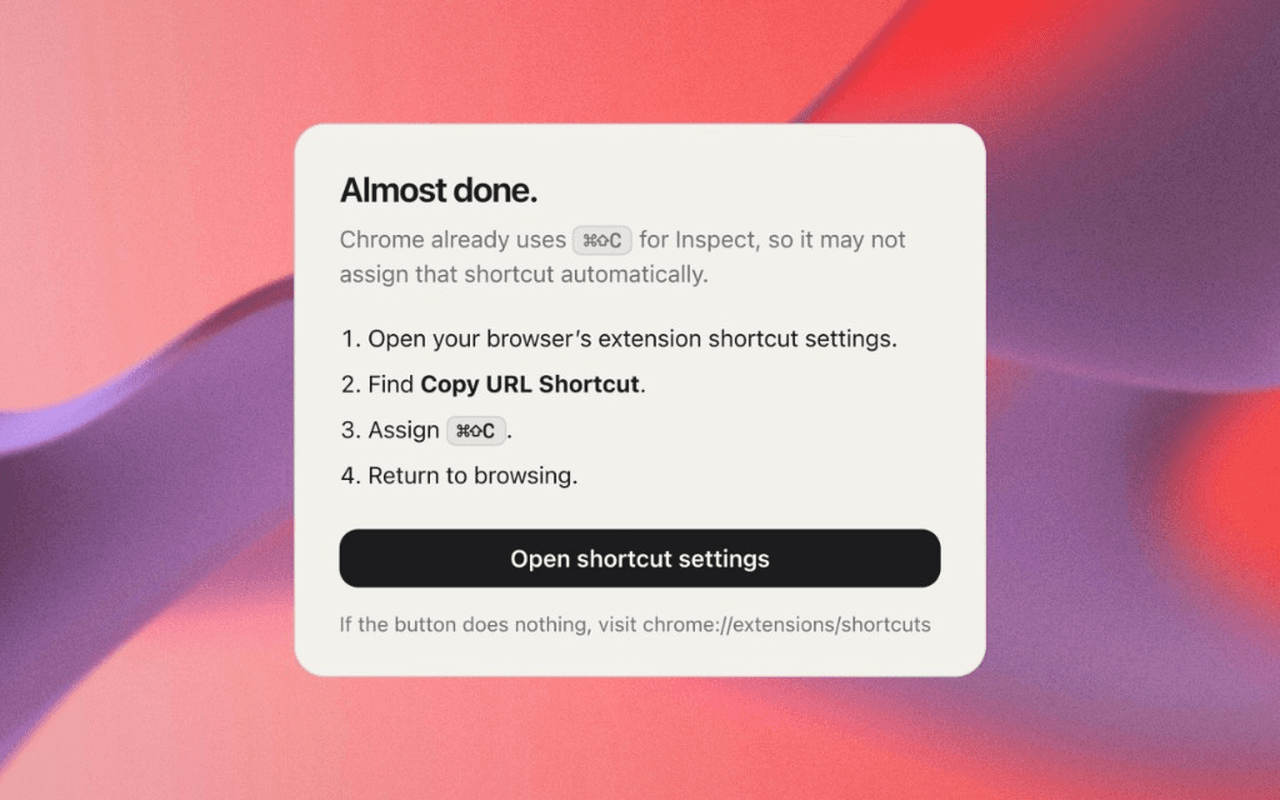
Chrome already uses ⌘⇧C for Inspect, so the one-time assignment in
chrome://extensions/shortcuts is required. After that, Chromium gives the
extension shortcut priority.
Two clipboards, because Chrome has two surfaces
The page script tries navigator.clipboard.writeText, then mounts the
confirmation in a closed shadow root so the host page cannot restyle it.
If that write fails, an offscreen document provides the clipboard fallback.
Restricted Chrome pages (chrome://, the Web Store, the New Tab page)
cannot run an injected script at all. A naive write from the service worker
fails there. Those URLs go through the same offscreen document
(offscreen + clipboardWrite), and the toolbar briefly shows ✓ or !. A failed copy
also has a readable tooltip and a message in the menu.
The onboarding page, shown on install, states the data practice in one sentence: the extension reads the current tab URL only when you invoke it, copies it on your device, and never sends it anywhere. There is no remote code, no analytics, and no account.
What shipped
1.1.0 — 1 October 2026
The original ⌘⇧C shortcut stays the same. This update adds:
- Copy as Markdown: Copy the page title and URL as a Markdown link from the menu, or bind a separate optional shortcut.
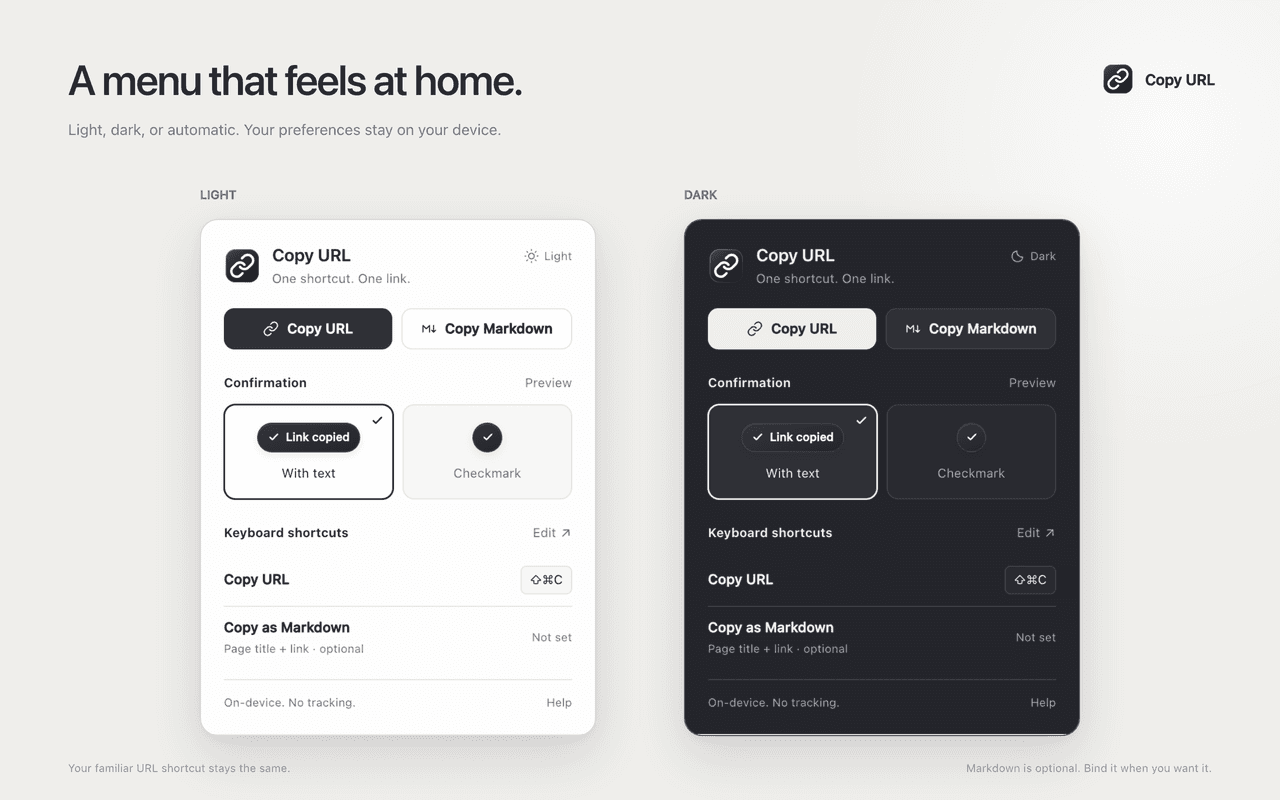
- Toolbar menu: Copy links, view your shortcuts, and open shortcut settings.
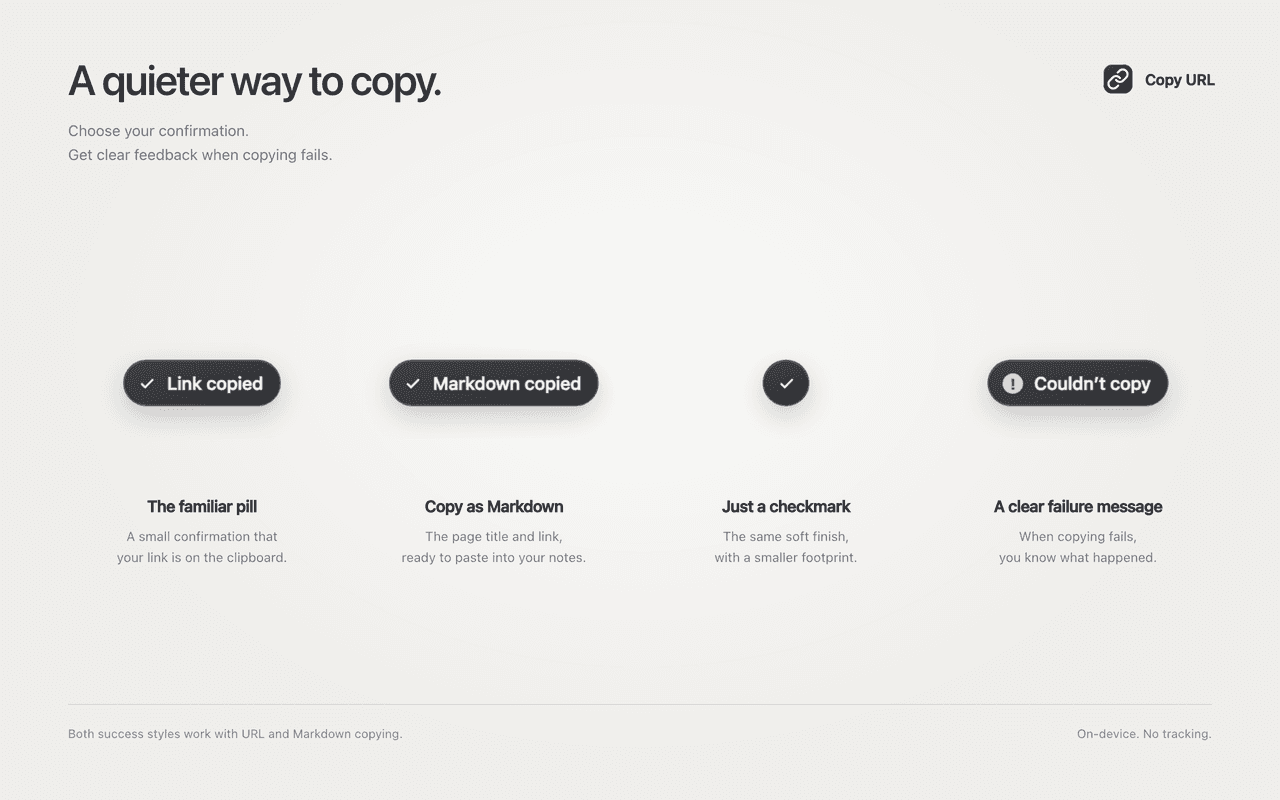
- Confirmation styles: Choose the text pill or a quieter checkmark, with a preview of your choice. The pill says “Link copied” or “Markdown copied.”
- Menu appearance: Choose Light, Dark, or Auto to follow your system.
- Failure feedback: A clear “Couldn’t copy” message when something goes wrong.
- Graphite icon: A new link icon, polished for small toolbar sizes.
1.1.0 is released on GitHub. You can also get the extension from the Chrome Web Store.
1.0.0 — August 2026
A 1.0.0 Manifest V3 extension with no bundler and no runtime dependencies.
Permissions are activeTab, scripting, clipboardWrite, and offscreen.
Twenty-one Node node:test cases cover the copy core and the manifest:
permissions, CSP, web-accessible resources, the command binding.
The runtime zip is only what Chrome loads. README, privacy markdown, and the packaging script stay out of the package. Source is public under MIT.
Get the extension
The extension is live on the Chrome Web Store. If you want to try it, you can get it here.
Built with
- Manifest V3
- Chrome Extensions
- Commands API
- activeTab
- isolated world
- offscreen documents
- least privilege
- Chrome Web Store